SALESFORCE INTEGRATION
Salesforce integrations you can actually operate.
We design Salesforce integrations around ownership, error handling and change — so data keeps moving and teams know what to do when it does not.
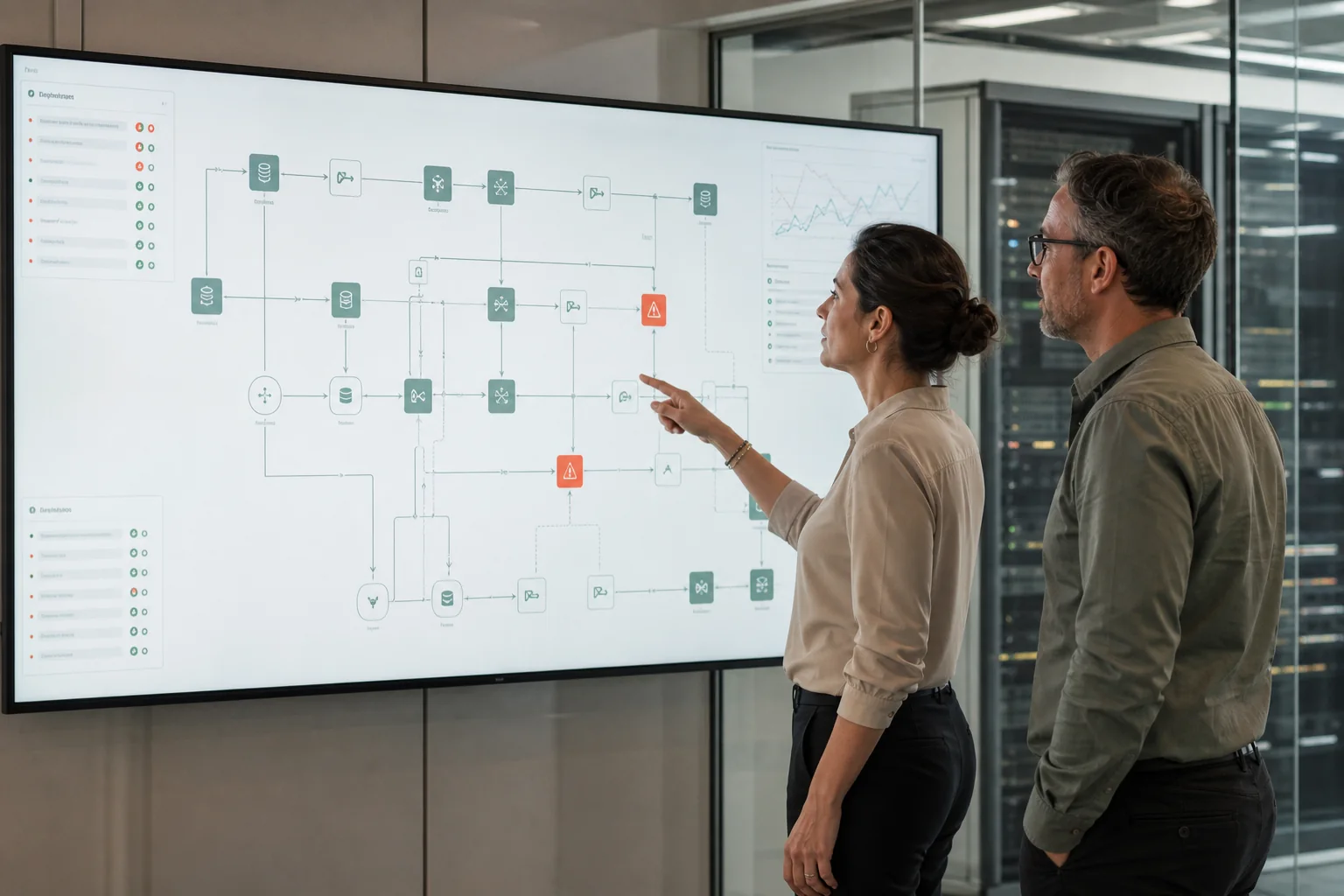
Typical starting point: Interfaces work most of the time, but failures are hard to trace, ownership is unclear and even small changes create too much coordination across teams.
 AI-generated
WHERE INTEGRATIONS START TO HURT
Where integrations become hard to run.
The difficult part is rarely moving data once. It is keeping the flow understandable when systems change, messages fail or several teams share responsibility.
Interfaces behave differently
- Similar integrations use different patterns, contracts or error handling.
- Every interface needs its own way of being understood and supported.
Errors go unnoticed for too long
- Failures are visible only after users or downstream teams report missing data.
- Retries, duplicate handling and recovery are not consistently defined.
Ownership is unclear
- Source, middleware and target teams each see only part of the problem.
- Support paths become slow because nobody owns the full data flow.
 AI-generated
START WITH THE DATA FLOW
Define the integration contract before choosing the pattern.
Before choosing APIs, events or middleware, agree on what the integration must do, what each system owns and how failure should be handled.
Which system is the source of truth for each data element
What event or business action should trigger the flow
Which data must be exchanged and in which format
What the source and target may assume about each other
How errors, retries and duplicates should be handled
Who owns monitoring, support and future changes
FROM SOURCE TO TARGET
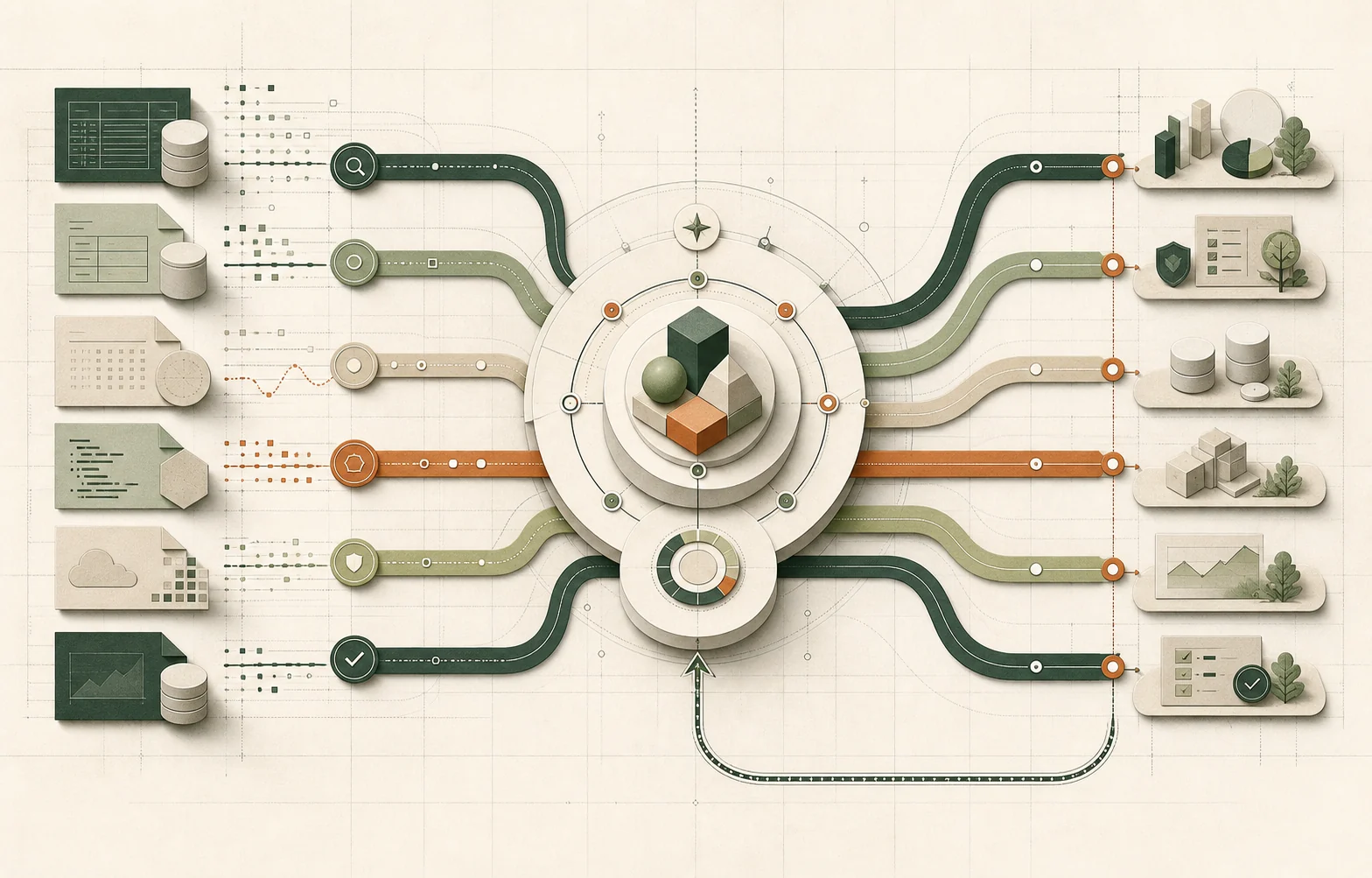
How a data flow should move from source to target.
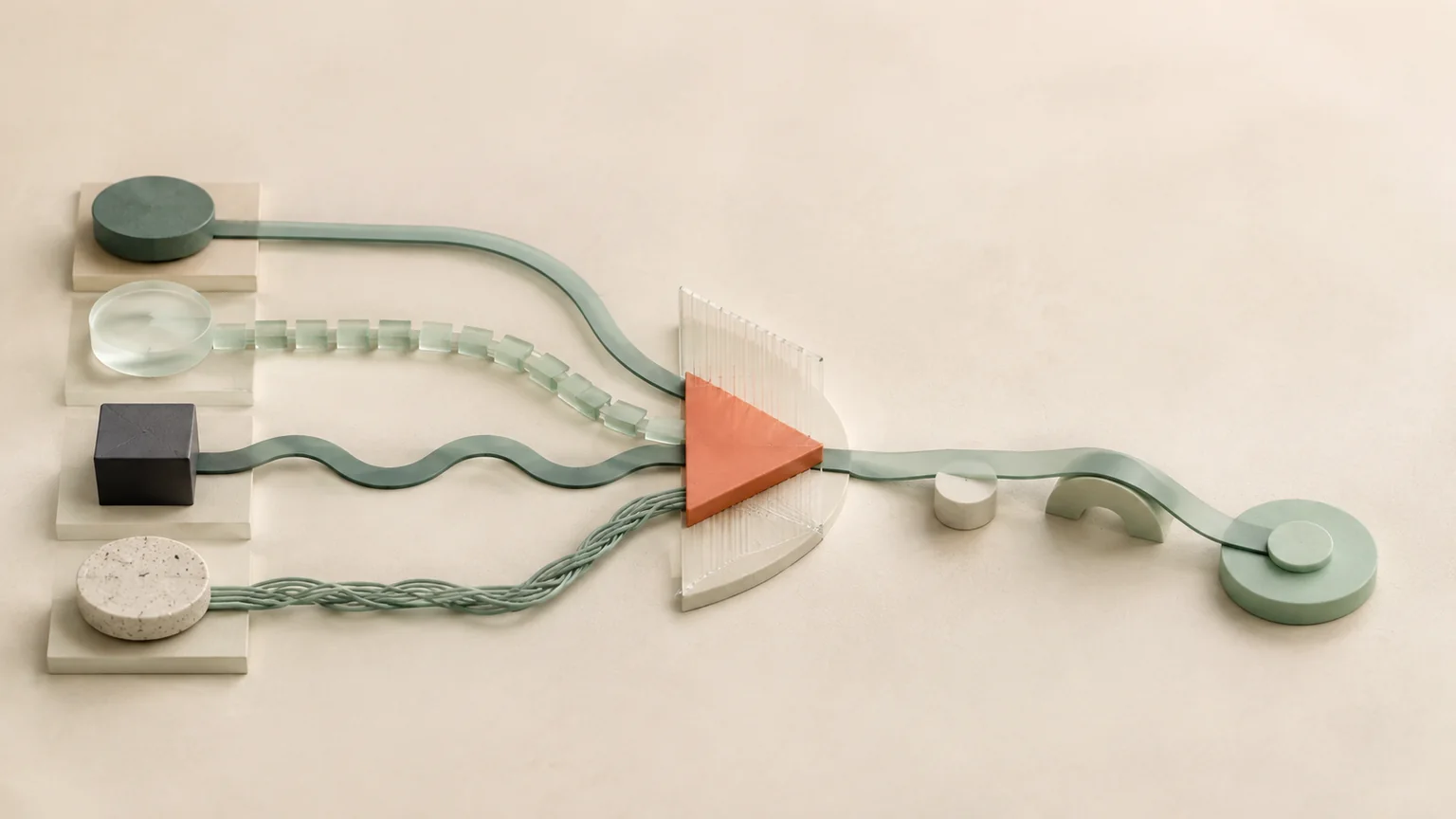
A good integration flow makes the contract, transport and recovery path explicit — not just the happy path.
SourceWhich system owns the data?
ContractWhat data and semantics are agreed?
TransportHow does the information move?
TargetHow is the data validated and applied?
RecoveryWhat happens when the flow fails or is repeated?
 AI-generated
WHAT GOOD LOOKS LIKE
What an integration looks like when teams can trust and support it.
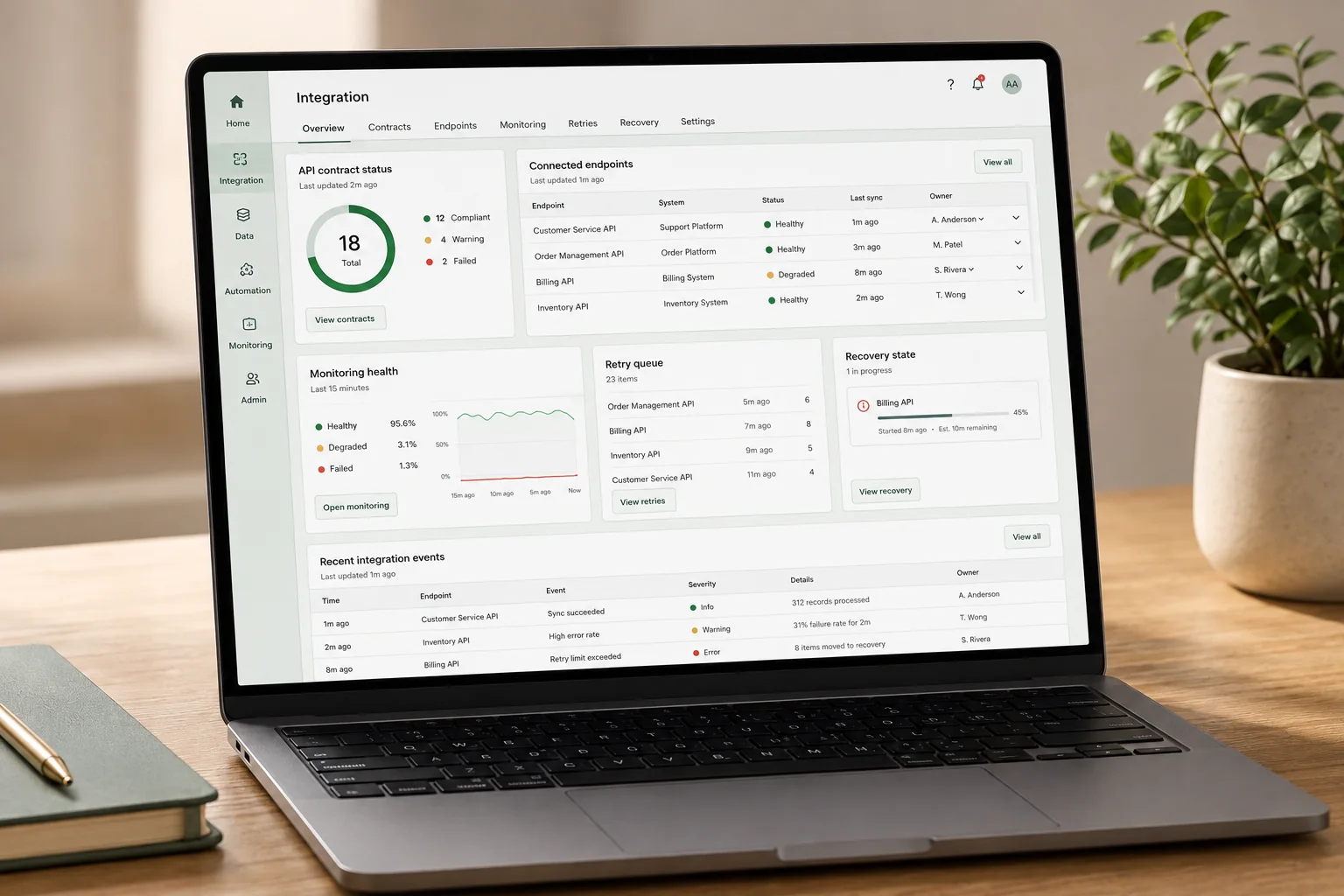
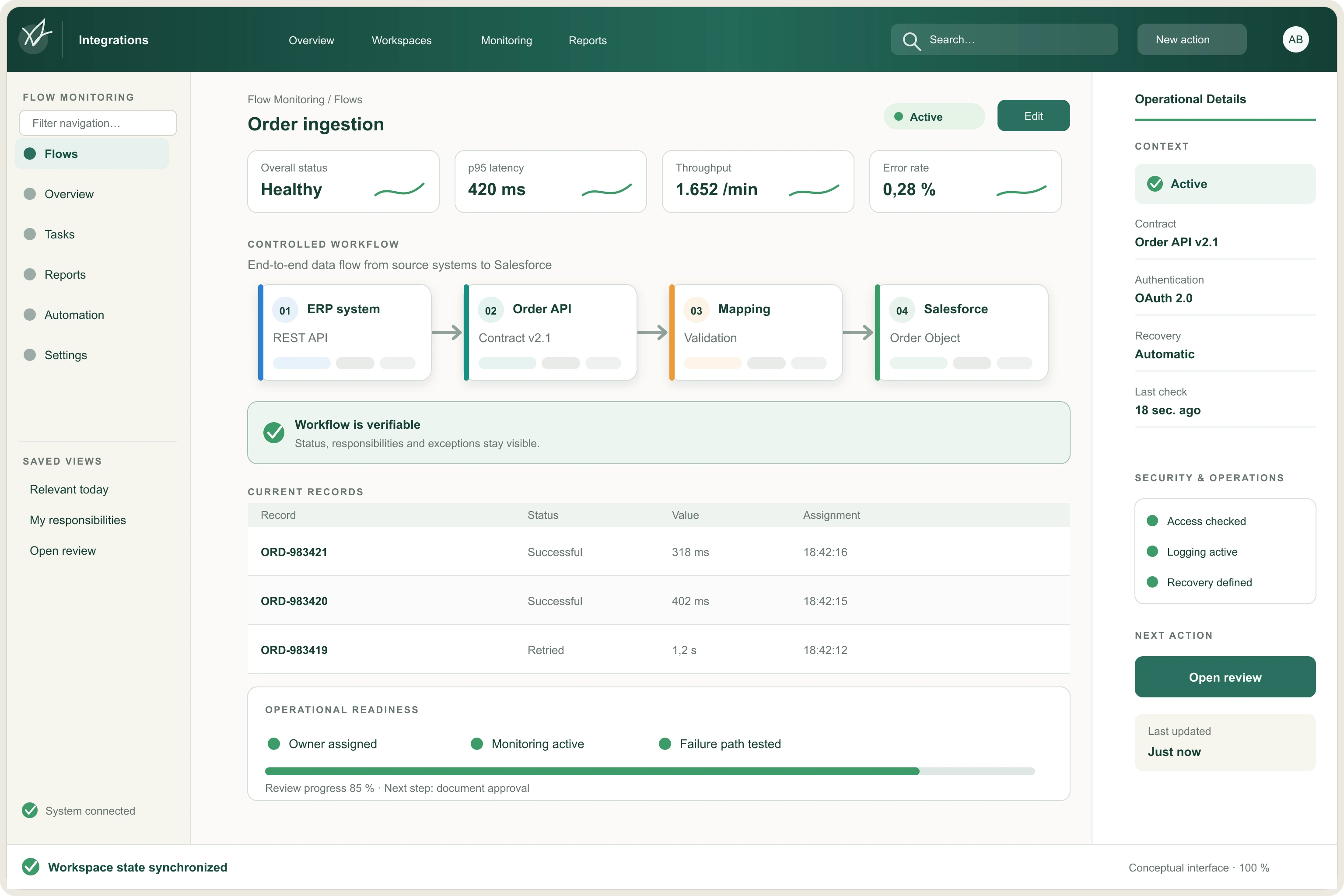
Stability does not mean nothing ever fails. It means failures are visible, expected and recoverable without guesswork.
Every interface has a clear source, target and owner.
Data contracts are documented and versioned where needed.
Failures are observable before users have to report them.
Retries and duplicate handling follow defined rules.
Support teams can trace a business transaction across the full flow.
Changes can be tested without rediscovering the integration each time.
BEFORE YOU BUILD
Questions worth answering before implementation starts.
Integration complexity grows quickly when teams choose technology before ownership, failure behavior and lifecycle are agreed.
Fit
Does the pattern fit the actual business need?
- Does the flow really need real-time behavior, or would a simpler approach be enough?
- Is the integration pattern appropriate for the expected volume, timing and coupling?
Control
Can the flow be observed and recovered deliberately?
- Who is alerted when something fails?
- Who may retry, correct or replay a message — and under what conditions?
Lifecycle
How will the integration change over time?
- How are contract changes introduced without breaking consumers?
- How are old versions, dependencies and support responsibilities retired?
 AI-generated
USEFUL DELIVERABLES
Outputs development and operations teams can keep using.
The work should leave behind a shared integration model — not knowledge that only exists in one developer’s head.
System-boundary and integration-flow map
Documented interface contracts and ownership
Monitoring, error-handling and recovery rules
Test scenarios for normal flows and failure cases
Release, support and change-management guidance
HOW WE GET THERE
From data flow to integration teams can operate.
Start with the business flow, define the contract and failure behavior, then validate the integration under real operating conditions.
Assess
Map current interfaces, dependencies, failure points and ownership gaps.
Design
Define contracts, integration patterns, monitoring and recovery behavior.
Validate
Test normal traffic, failures, retries, duplicates and change scenarios.
Hand over
Put support ownership, runbooks and change responsibilities in place.
Which interface causes the most problems today?
If failures are hard to trace, retries are manual or nobody owns the full flow, we can help turn the interface into something teams can operate with confidence.