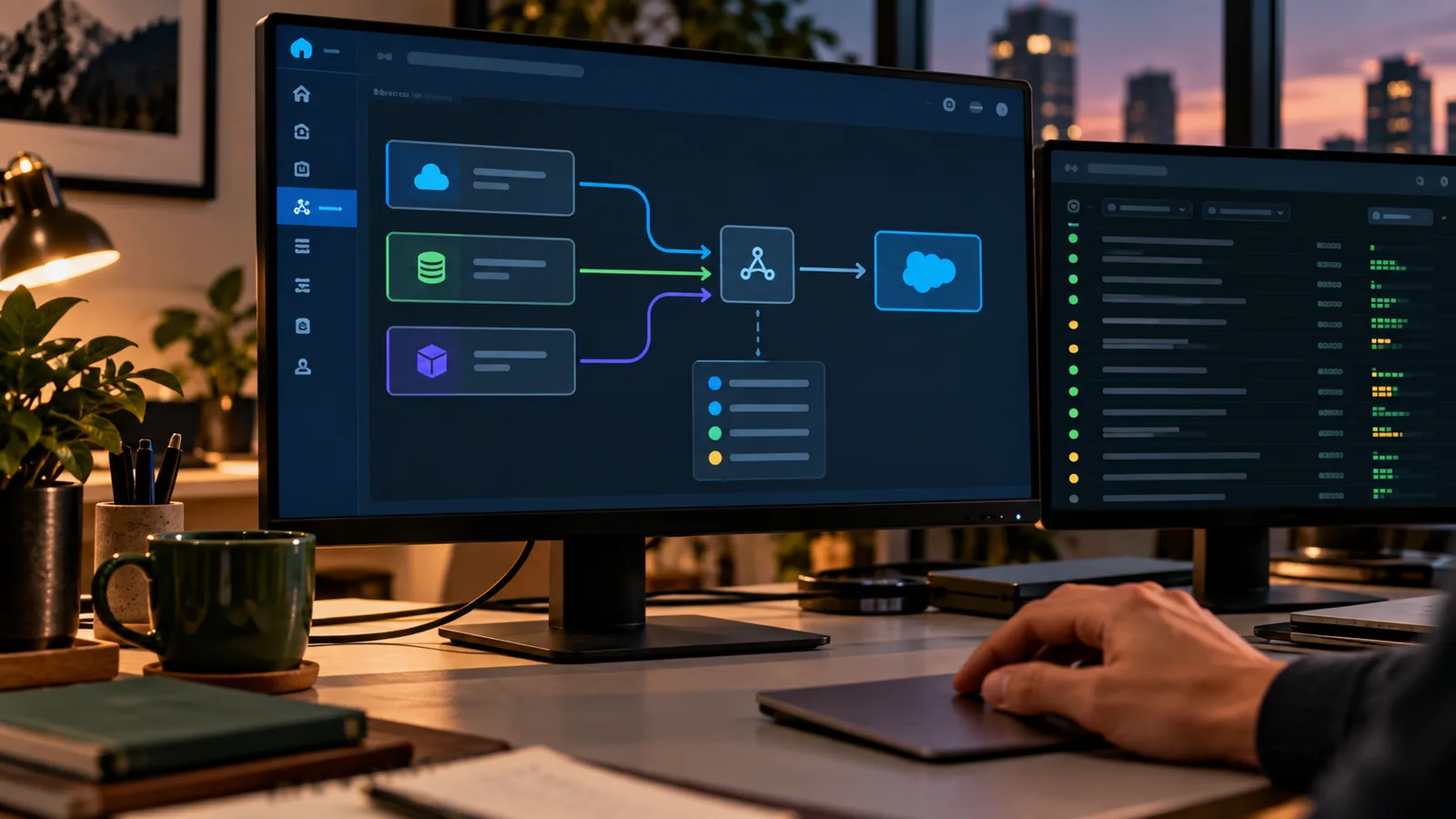
PATTERN BEFORE PLATFORM
Direct connections can be the right choice.
A point-to-point interface is not automatically poor architecture. If two systems have a stable relationship, the ownership is obvious and the operational model is simple, a direct connection may be the cleanest solution.
The problem starts when direct interfaces multiply without shared contracts, monitoring, ownership or change rules. Then every system change becomes a network problem.
Do not choose middleware because it looks more architectural. Choose the simplest pattern the team can operate reliably.
OPERATING BASICS
Four things should be explicit before the interface goes live.
- Contract: What exactly do the systems exchange? Define the meaning of the message or API contract, required fields and assumptions on both sides.
- Ownership: Who owns the full flow? Name the teams responsible for source data, transport, target processing and end-to-end support.
- Failure handling: What happens when the flow does not complete? Separate technical errors, business rejections and recoverable conditions so each one has a known response.
- Change: How can either side evolve safely? Define versioning, compatibility expectations and how contract changes are tested and released.
The integration pattern can change. These four responsibilities do not.
EXAMPLE
“Order status” is not a contract until both systems mean the same thing.
A status field looks simple until source and target systems attach different business meaning to the same value.
Mapping values is not enough. The interface contract must preserve the business meaning behind them.
- Which system is authoritative for the order state?
- Which statuses are technical, commercial or fulfillment states?
- Can several source states map to one target state?
- What happens when an older event arrives after a newer one?
Further steps (1)
- How is an unknown or unsupported status handled?
- Source
- Contract
- Processing
- Salesforce
- Monitoring
- Retry or escalation
- Owner
BEFORE IMPLEMENTATION
Questions to answer before the first message is sent.
Most production problems can be traced back to assumptions that were never made explicit during design.
RECOVERY
Make retries deliberate.
“Try again” is only safe when the interface knows what happened the first time.
A retry strategy should reduce operational risk — not hide it.
- Know whether the failed request reached the target
- Use a stable business or idempotency key where repeated processing must be prevented
- Distinguish transient technical failures from business rejection
- Limit automatic retries and make exhaustion visible
Further steps (2)
- Preserve the original payload and error evidence for investigation
- Make manual replay a controlled operational action
OPERATING DOCUMENTATION
What to document for an interface you can operate.
Operational documentation should answer the questions a support team has when the interface behaves differently from the diagram.
Purpose
What business process does the interface support?
Source and target
Which systems own the data before and after the handoff?
Contract
Which fields, semantics and compatibility rules are agreed?
Trigger and timing
What starts the flow, and how quickly is the target expected to receive it?
More criteria (5)
Error classes
Which failures are technical, which are business errors and which are safe to retry?
Recovery
How can operations retry, replay or correct the flow without creating duplicates?
Monitoring
Which signals show that the interface is healthy — and which indicate a business problem?
Ownership
Who investigates each part of the flow and who owns the end-to-end outcome?
Change process
How are contract or dependency changes reviewed, tested and released?
Document the operating questions, not every implementation detail.
To keep these decisions understandable over time, read Documenting Integration Decisions: A Decision Log for Architecture and Operations.
EXISTING LANDSCAPE
Bring existing interfaces under control without redesigning everything.
You do not need to replace every point-to-point interface to improve the landscape. Start with the connections that create the most operational risk or change effort.
01
Choose critical connections
Prioritize interfaces that support important processes, fail often or create expensive coordination.
02
Make the contract and ownership visible
Document the source, target, semantics, owner and business purpose before changing technology.
03
Test error handling
Check technical failures, business rejections, duplicates, timeouts and replay behavior.
04
Control changes
Introduce versioning, compatibility rules and a release path for future changes.
Standardize the operating model before you standardize the technology.
ERROR HANDLING
Frequently asked questions about Salesforce integration
Is point-to-point integration always a bad architecture?
No. A direct connection can be the simplest and best option when the relationship is stable, ownership is obvious and the operational model stays manageable. Problems start when many direct interfaces grow without shared contracts, monitoring or change rules.
Is middleware always the better choice?
No. Middleware adds useful capabilities when several systems need shared routing, transformation, orchestration or monitoring. It also adds another platform to own and operate. Use it when that additional responsibility solves a real problem.
Can every failed message simply be retried?
No. A retry is safe only when you know the failure type and whether the target may already have processed the request. Business rejections usually require correction before repetition.
What is the minimum documentation every interface should have?
At minimum: business purpose, source and target, contract, trigger, ownership, monitoring, error classes, retry or recovery behavior and the process for changes.
Sources and further reading
Primary Salesforce documentation and reference material for integration architecture, APIs, events and operating practices.
- Salesforce Architects – Data Integration with SalesforceChecked on
Supports Salesforce integration patterns, decision guides and operational principles; recheck platform and pattern recommendations before publication.
- Salesforce Architects – Integration Decision GuidesChecked on
Supports Salesforce integration patterns, decision guides and operational principles; recheck platform and pattern recommendations before publication.
- Salesforce Architects – Integration PatternsChecked on
Supports Salesforce integration patterns, decision guides and operational principles; recheck platform and pattern recommendations before publication.
Topics in this article
THREE WORKING VIEWS
Three views that make integration operations traceable.
Fictional workspaces show the decision, its dependencies and the next operating action. Editorial illustrations, not live product screenshots.


Error triage · assign the next action
Custom triage board: a business rejection has an owner and a specific next action.
Swipe with your finger or drag with the mouse button held down. You can also select an image or use the arrow keys.
Image 1 of 3: Error triage · assign the next action
Related reading

Salesforce Standard or Custom? Choose for Fit, Not Ideology.
“Standard first” is useful guidance — until it becomes a rule that forces the business into the wrong process. Custom development can solve real problems — until every exception creates another lifecycle burden. The better decision is the simplest option that fits the requirement and that the team can still test, operate and change later.
Read article
Quotes in Salesforce: Which Revenue Setup Actually Fits?
Whether standard Salesforce, Revenue/CPQ functionality or a more specialized setup is right depends on the commercial model behind the quote: products, variants, pricing, approvals, contracts and what has to happen downstream. Start with the process and system boundaries. Choose the product after that.
Read article
Documenting Integration Decisions: Keep the Why Behind the Architecture
A diagram shows what is connected. An interface contract shows what systems exchange. A decision log captures why the design was chosen, which alternatives were rejected and when the decision should be reviewed. That history matters when the integration changes, fails or lands with a team that was not part of the original design.
Read article