
ARCHITECTURE RECORDS
Three artifacts. Three different jobs.
These records complement each other. They should not be forced into one document.
ARCHITECTURE RECORDS
System diagram
What is connected?
Shows systems, dependencies and the main direction of data or events. It gives readers the landscape quickly, but usually not the reasoning behind a design choice.
Decision log
Why did we choose this design?
Records the decision, the context that made it necessary, the alternatives considered and the consequences the team accepted.
Interface contract
What do the systems promise each other?
Defines the data, semantics, behavior and expectations at the boundary between systems — including what each side may rely on.
The diagram explains the shape. The contract explains the boundary. The decision log explains the why.
LIVING HISTORY
Keep the history. Do not overwrite it.
Architecture decisions change. That does not make the previous decision useless.
Keep the original entry, mark it as superseded and link it to the decision that replaced it. Future teams can then see what changed, why it changed and which assumptions no longer apply.
A decision log is most valuable when it explains the transition between decisions, not just the current state.
- Diagram: What is connected?
- Decision log: Why this approach?
- Interface contract: How does the connection behave?
Frequently asked questions about decision logs
How detailed should a decision log be?
Detailed enough that someone who was not in the meeting can understand what was decided, why it mattered and what assumptions the decision relied on. It should not become a meeting transcript.
Does every technical decision need its own entry?
No. Record decisions that materially affect architecture, ownership, data, security, operability or future change. Routine implementation choices do not need the same treatment.
Does a decision log replace interface documentation?
No. The interface contract describes what the systems exchange and how the boundary behaves. The decision log explains why that design was chosen and what alternatives were considered.
KEEP THE CONTEXT ATTACHED
Keep the decision attached to the integration it affects.
A decision log becomes much more useful when readers can move directly from the reasoning to the systems, interface or contract affected by it.
The goal is not more documentation. It is less reconstruction later.
- Link the decision to the affected systems and interface
- Reference the contract, event or data flow where relevant
- Record the alternatives that were seriously considered
- Name the owner and the people involved in the review
Further steps (2)
- Capture the operational consequences the team accepted
- Define what would trigger a future review
PRACTICAL CHECKLIST
What a useful decision log should contain
Keep the structure consistent enough to scan, but lightweight enough that teams will maintain it.
Decision
What was chosen, and which system or process boundary does it apply to?
Context
Which business need, constraint or risk made the decision necessary?
Systems & ownership
Which systems are affected, and who owns the business and technical consequences?
Alternatives
Which realistic options were considered, and why were they not chosen?
More review criteria (3)
Operational consequences
What does the decision mean for data, security, error handling, support and future change?
Date & responsibility
When was the decision made, and who is accountable for it?
Review trigger
Which change in process, volume, platform, risk or ownership should reopen the decision?
For an application of the same criteria to Salesforce solution options, read Salesforce Standard or Custom? Making a Balanced Decision.
START SMALL
Start with one decision that is worth preserving.
You do not need a documentation program. Start with one architecture choice that would be painful to reconstruct six months from now.
01
Record the context
Capture the problem, affected systems, constraints and the decision that needs to be made.
02
Review the decision
Compare the realistic options, record the trade-offs and agree on the consequences the team is accepting.
03
Maintain the history
When the architecture changes, preserve the original entry and link the decision that replaces it.
Sources and further reading
Primary documentation and reference material for architecture decision records, integration design and related operating practices.
- Salesforce Architects – Integration Decision GuidesChecked on
Supports the structure and distinction of architecture decisions, integration patterns, and decision records; recheck all three primary sources before publication without claiming endorsement by Salesforce or Microsoft.
- Salesforce Architects – Integration PatternsChecked on
Supports the structure and distinction of architecture decisions, integration patterns, and decision records; recheck all three primary sources before publication without claiming endorsement by Salesforce or Microsoft.
- Microsoft Azure Well-Architected – Architecture Decision RecordChecked on
Supports the structure and distinction of architecture decisions, integration patterns, and decision records; recheck all three primary sources before publication without claiming endorsement by Salesforce or Microsoft.
Topics in this article
THREE WORKING VIEWS
Three views that keep architecture decisions traceable.
Fictional workspaces show the decision, its dependencies and the next operating action. Editorial illustrations, not live product screenshots.


Decision context · locate the boundary
Custom context map: latency and ownership explain the event boundary.
Swipe with your finger or drag with the mouse button held down. You can also select an image or use the arrow keys.
Image 1 of 3: Decision context · locate the boundary
Continue reading
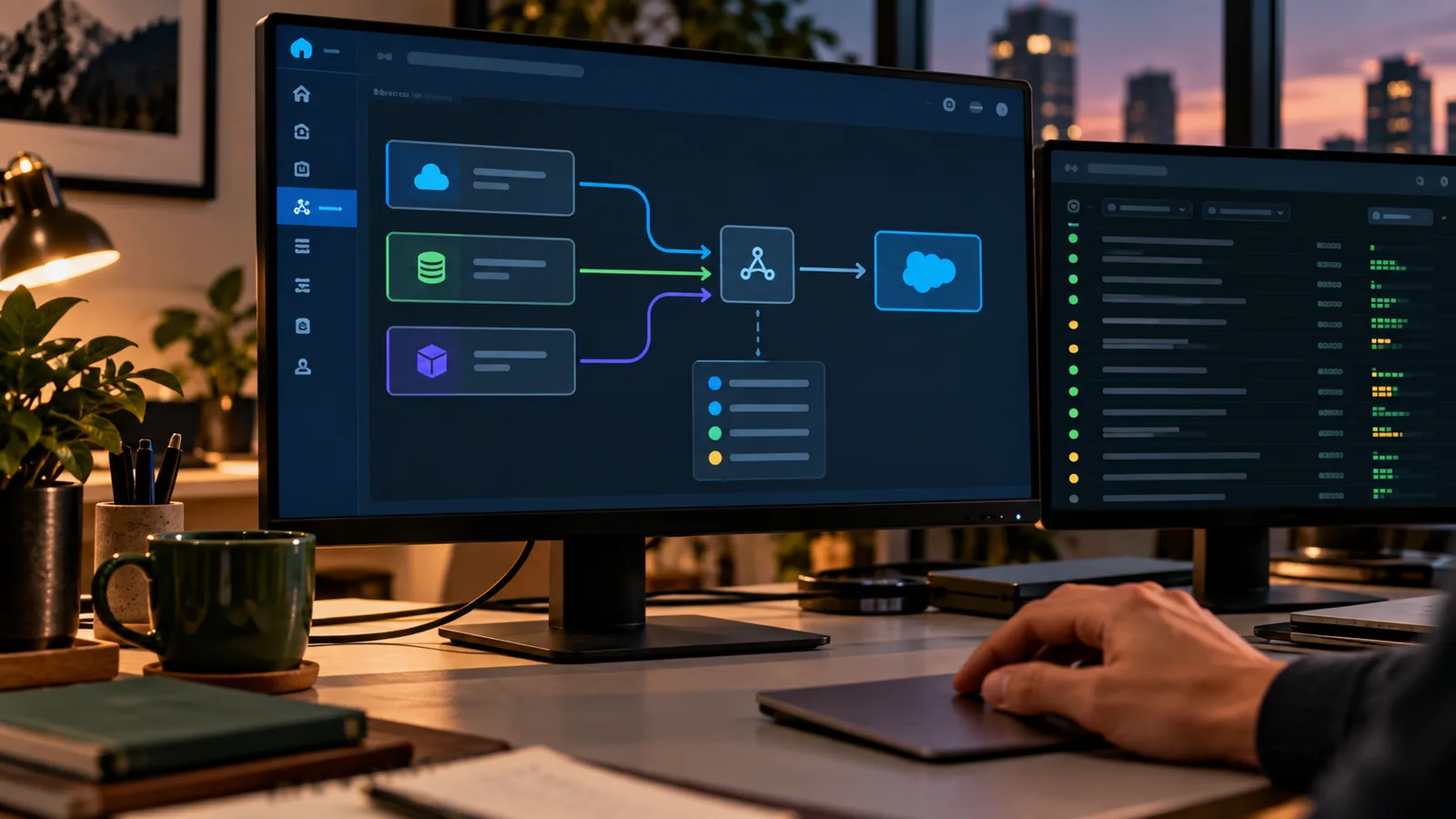
Salesforce Integration: Build Interfaces You Can Operate
A working integration does more than move data between systems. Teams need to know what each side promises, who owns the flow, how failures are handled and what happens when one system changes. That is what turns an interface from a technical connection into something operations can actually support.
Read article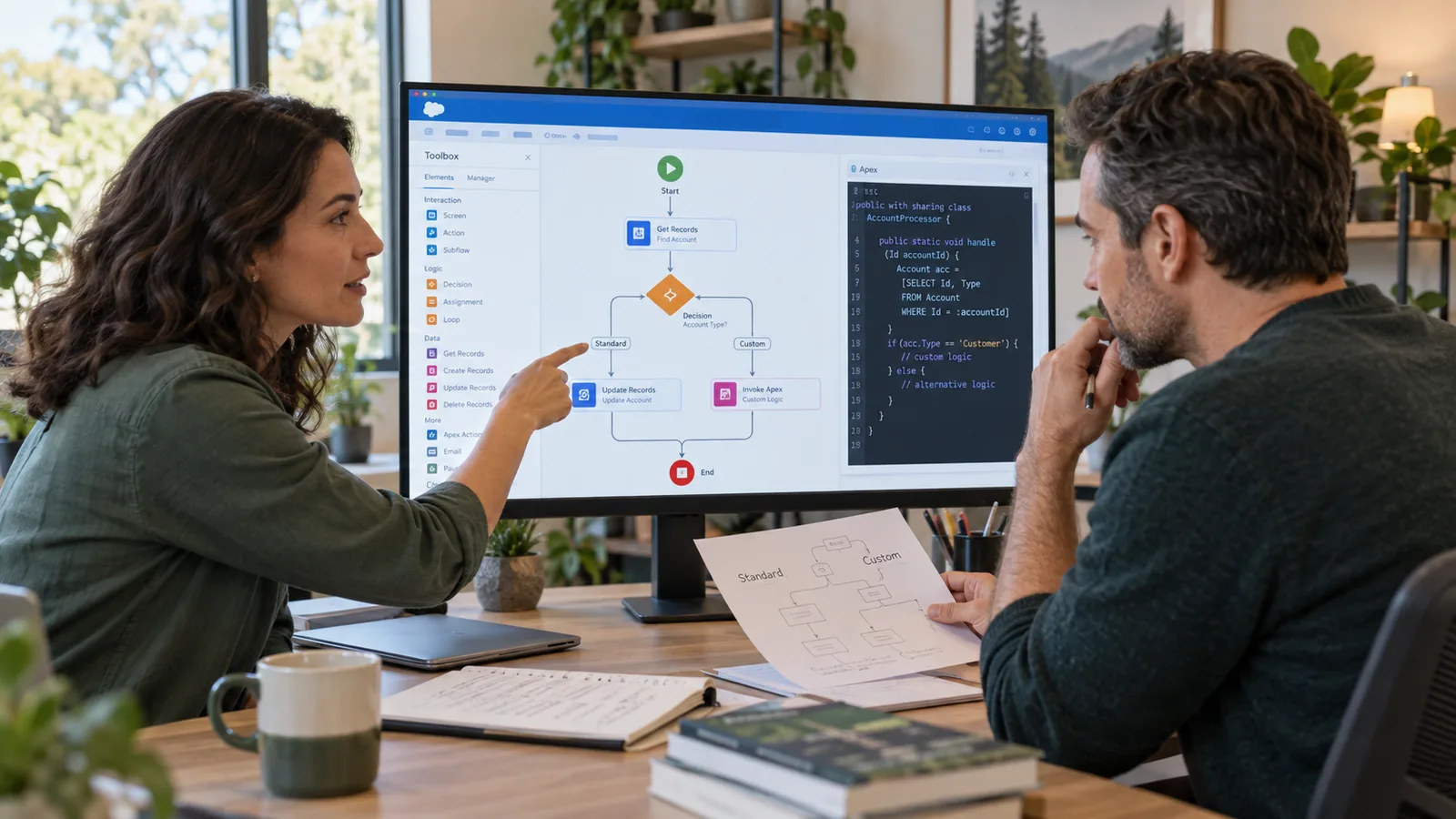
Salesforce Standard or Custom? Choose for Fit, Not Ideology.
“Standard first” is useful guidance — until it becomes a rule that forces the business into the wrong process. Custom development can solve real problems — until every exception creates another lifecycle burden. The better decision is the simplest option that fits the requirement and that the team can still test, operate and change later.
Read article
Agentforce Pilot: From Prototype to Production Decision
A working Agentforce prototype is not yet a production case. The pilot should answer a harder question: does the use case create enough value, with acceptable behavior, permissions and operating effort, to justify running it day to day? That means defining the go/no-go criteria before the pilot starts — not after the demo looks promising.
Read article