BEYOND THE FIRST RELEASE
The better solution still makes sense after go-live.
Initial delivery effort is only one part of the decision. The architecture also has to survive releases, new requirements, changing teams and future Salesforce platform updates.
A solution that is fast to build but difficult to own can be the more expensive option over its lifecycle.
FIT THE SOLUTION TO THE NEED
Start with the requirement — not the preferred technology.
Ask what the business genuinely needs before deciding whether standard functionality, configuration or custom development is appropriate.
- Can Salesforce standard support the process without distorting it?
- Can configuration or low-code close the gap while staying understandable?
- Does the requirement justify custom logic or a capability outside Salesforce?
The solution should follow the requirement, not the other way around.
LOOK PAST IMPLEMENTATION
Include the operating cost in the architecture decision.
Every extension creates responsibilities after release: testing, monitoring, security, documentation, support, knowledge transfer and future change.
The question is not only “Can we build it?” but also “Who will own it, test it and change it later?”
MAKE EXCEPTIONS DELIBERATE
If you break the standard, record why.
A custom exception can be the right architecture decision. The risk comes when the reason disappears and the exception becomes an unexplained part of the platform.
- State which standard option was considered
- Explain why it did not meet the requirement
- Record the additional delivery and operating responsibility
- Define what would trigger a future review
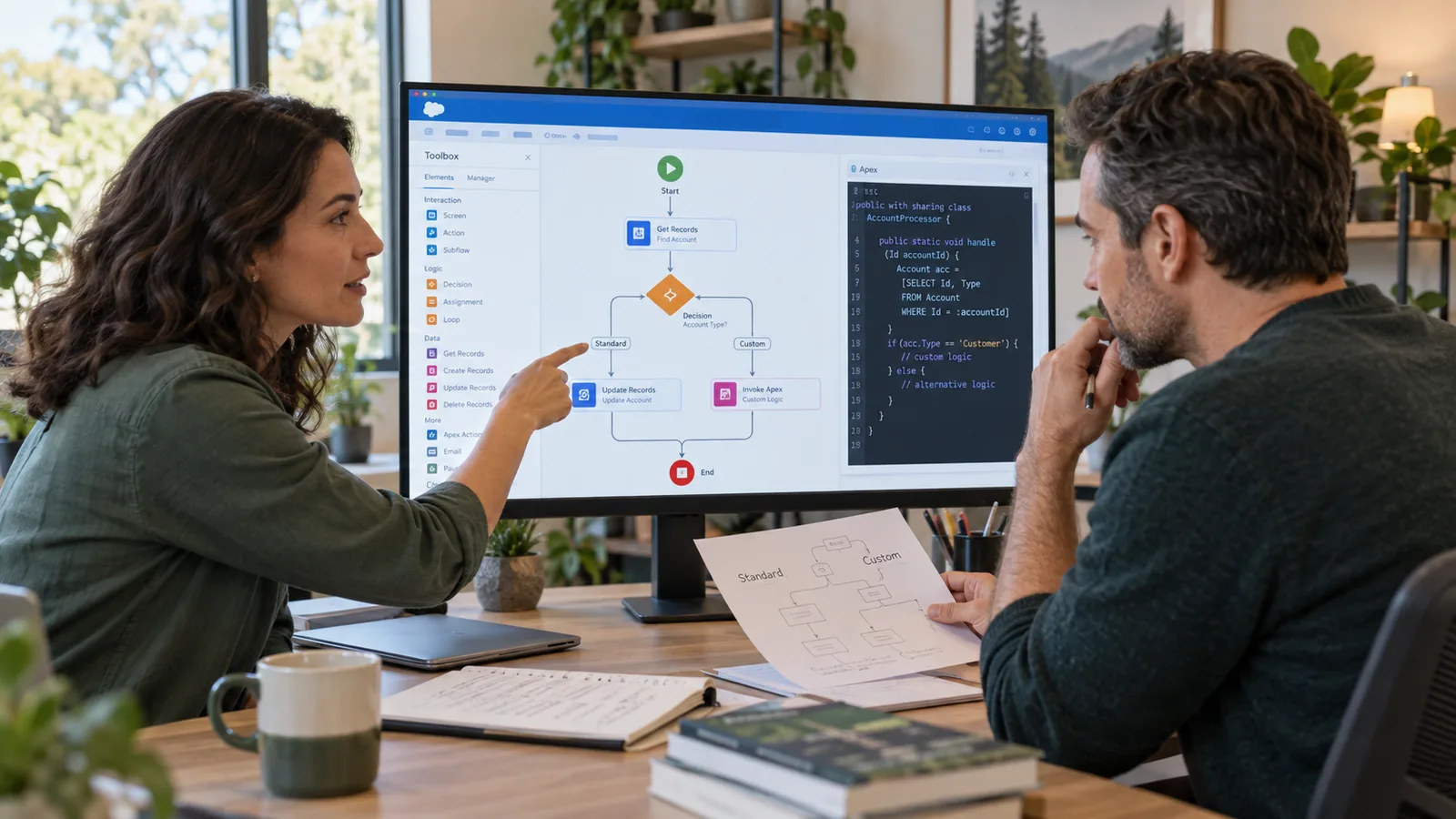
Work through a concrete architecture example in Standard or custom?.
COMPARE THE OPTIONS
Three approaches compared
Treat these as architecture options, not maturity levels. The right choice depends on the requirement and the lifecycle you are willing to own.
Use standard where it fits. Extend where the requirement justifies it. Keep capabilities outside Salesforce when they belong somewhere else.
KEEP THE DECISION EXPLAINABLE
Document the value, the trade-off and the review trigger.
A useful architecture decision record explains why the option was chosen, what responsibility it creates and when the team should revisit it.
Good documentation protects the reasoning, not just the implementation.
- What business need does this solution address?
- Which standard option was considered first?
- Why is configuration or custom development justified?
- What additional testing, support or operating effort does it create?
Further steps (1)
- What change in platform, process or volume should reopen the decision?
LIFECYCLE REVIEW
Revisit the decision when the assumptions change.
A decision can be right today and wrong two years later. Architecture should be reviewed when the conditions behind it materially change.
Has Salesforce introduced a standard capability that now covers the need?
Has the business process or operating model changed?
Has the custom solution become costly to test or release?
Have ownership, security or compliance expectations changed?
More criteria (1)
Has usage or volume moved beyond the original assumption?
START WITH THE DECISION
Three steps for the next Salesforce design decision.
01
Understand the need
Describe the business outcome, constraints and what must genuinely work differently.
02
Weigh the options
Compare standard, configuration and custom approaches against fit, ownership and lifecycle impact.
03
Prepare for operations
Record the reasoning, responsibilities, testing implications and review trigger before implementation starts.
Standard first is useful guidance. Fit and lifecycle decide whether it is the right solution.
Frequently asked questions about standard vs custom
Is custom development always worse than standard functionality?
No. Custom development is justified when the requirement creates real business differentiation or when another capability is a better architectural fit. The important part is making the additional lifecycle responsibility explicit.
How do we know when configuration is becoming too complex?
When the platform behavior becomes difficult to explain, test or change without specialist knowledge, low-code complexity may be carrying the same lifecycle burden as custom code.
How do we avoid repeating the same decision later?
Document the requirement, alternatives, rationale, operating consequences and review trigger. Future teams can then revisit the decision instead of reconstructing it.
Sources and further information
Primary Salesforce documentation and architecture references for platform capabilities, development approaches and lifecycle considerations.
- Salesforce Well-Architected — OverviewChecked on
Supports criteria for deliberate platform and architecture decisions across value, control and lifecycle; recheck current platform limitations.
- Salesforce Well-Architected – IntentionalChecked on
Supports criteria for deliberate platform and architecture decisions across value, control and lifecycle; recheck current platform limitations.
- Salesforce Platform Decision GuidesChecked on
Supports criteria for deliberate platform and architecture decisions across value, control and lifecycle; recheck current platform limitations.
Topics in this article
THREE WORKING VIEWS
Three views that make solution decisions traceable.
Fictional workspaces show the decision, its dependencies and the next operating action. Editorial illustrations, not live product screenshots.


Quote review · permission set
Illustrative configured Setup: object access and approval authority are separate.
Swipe with your finger or drag with the mouse button held down. You can also select an image or use the arrow keys.
Image 1 of 3: Quote review · permission set
Related reading
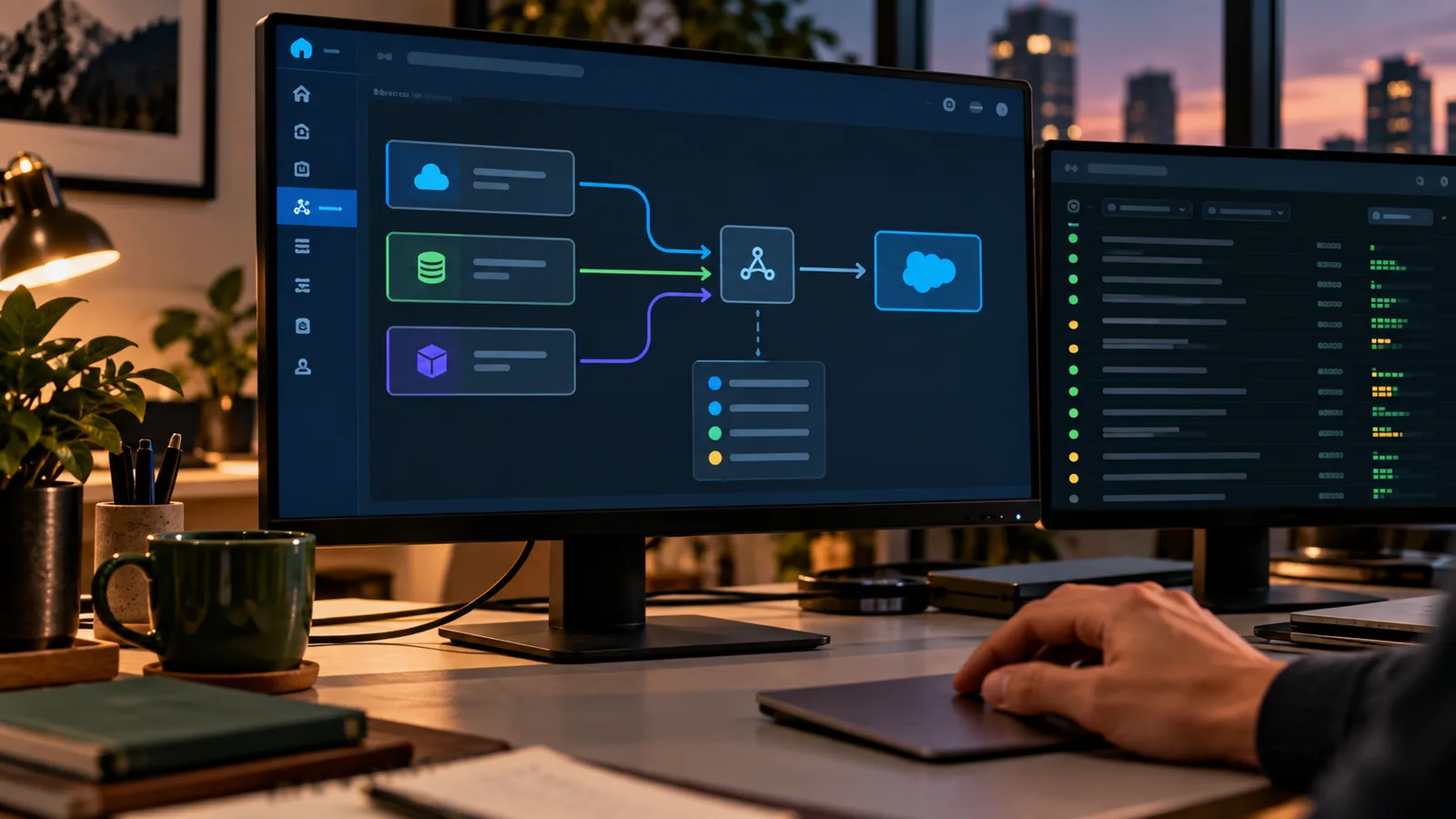
Salesforce Integration: Build Interfaces You Can Operate
A working integration does more than move data between systems. Teams need to know what each side promises, who owns the flow, how failures are handled and what happens when one system changes. That is what turns an interface from a technical connection into something operations can actually support.
Read article
Quotes in Salesforce: Which Revenue Setup Actually Fits?
Whether standard Salesforce, Revenue/CPQ functionality or a more specialized setup is right depends on the commercial model behind the quote: products, variants, pricing, approvals, contracts and what has to happen downstream. Start with the process and system boundaries. Choose the product after that.
Read article
AI in Salesforce: Which tasks are worth it?
Not every Salesforce task gets better with AI. The useful starting point is a specific piece of work where interpretation, summarization or drafting creates a real advantage over a simple workflow or automation. The best first use case is narrow enough to test, useful enough to matter and controlled enough to operate.
Read article