SALES CLOUD & CRM
Sales Cloud that helps deals move. Not admin pile up.
We shape Sales Cloud around the way your teams actually sell — so next steps, ownership and the information that matters are visible without constant CRM catch-up.
Typical starting point: Sales teams work around the CRM, update opportunities late and keep parallel lists because the system does not reflect how the work really happens.
 AI-generated
WHERE SALES SLOWS DOWN
Where sales work starts to get stuck.
Sales friction usually comes from missing information, unclear next steps and too many manual handoffs — not from one missing Salesforce feature.
Important context is missing
- Reps open an opportunity without the customer, product or pricing context they need.
- The same information is copied between CRM, spreadsheets and local lists.
The pipeline stops being useful
- Stages exist, but the next step is still unclear.
- Forecast and pipeline reviews depend on last-minute catch-up instead of current sales work.
Handoffs slow everything down
- Sales, Sales Operations and downstream teams work with different information.
- Ownership gets blurry when an opportunity becomes an offer, approval or order.
 AI-generated
START WITH THE SALES MOTION
Define how sales should work before configuring the CRM.
Before adding fields, flows or automations, agree on what moves an opportunity forward and what each team needs to do that job well.
What a qualified opportunity actually looks like
Which stages matter — and what must be true to move between them
Which information sales should enter and which should come from another source
Who owns approvals, pricing questions and handoffs
What should be visible for pipeline and forecast reviews
Where automation helps and where sales judgment should stay manual
FROM LEAD TO CLOSED WON
How a sales opportunity should move forward.
A good pipeline does more than label stages. It makes the next decision and next action visible.
LeadIs there a real reason to engage?
QualificationIs the need, fit and buying situation credible?
OpportunityWhat is the next meaningful step?
OfferWhat product, price and approval are needed?
CloseWhat turns the deal into a committed outcome?
HandoffWhat must move into delivery, service or operations?
 AI-generated
WHAT GOOD LOOKS LIKE
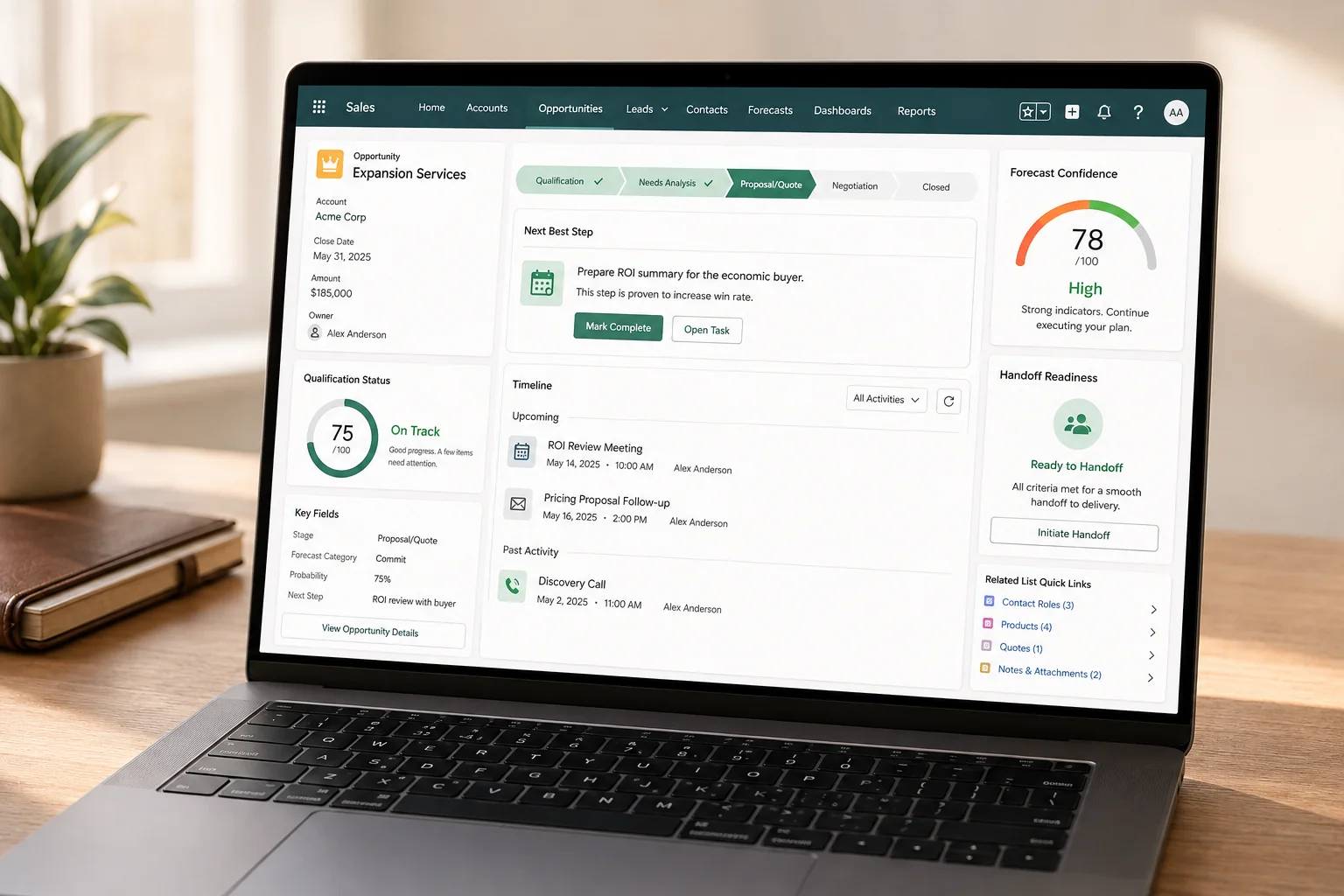
What Sales Cloud looks like when teams can actually work from it.
The goal is not more CRM data. It is a sales process where reps, managers and Sales Operations can work from the same picture.
Every active opportunity has a meaningful next step.
Stages mean the same thing across the sales team.
Product and pricing information does not need to be entered twice.
Pipeline and forecast reflect current sales activity — not month-end cleanup.
Handoffs to Sales Operations, delivery or service keep the relevant context intact.
BEFORE YOU BUILD
Questions worth answering before configuration starts.
Sales Cloud gets hard to use when fields, stages and automation are added before the sales model is agreed.

Fit
Does the CRM match the way your team actually sells?
- Are stages based on real sales decisions rather than reporting convenience?
- Are required fields limited to information the process genuinely needs?
Control
Can ownership and exceptions be managed deliberately?
- Who can change stage, pricing, ownership or approval status?
- Which steps should be automated — and which should stay with sales judgment?
Lifecycle
How will the sales model change over time?
- How are new products, regions or sales motions introduced?
- How are stages, rules and automations reviewed when the business changes?
 AI-generated
USEFUL DELIVERABLES
Outputs sales and IT can keep using.
The work should leave behind a shared sales model — not workshop notes that disappear after implementation.
Sales-stage model with entry, exit and ownership rules
Field and data model focused on what sales actually needs
Automation, approval and handoff principles
Prioritized roadmap, open decisions and operating standards
HOW WE GET THERE
From CRM friction to a sales process people actually use.
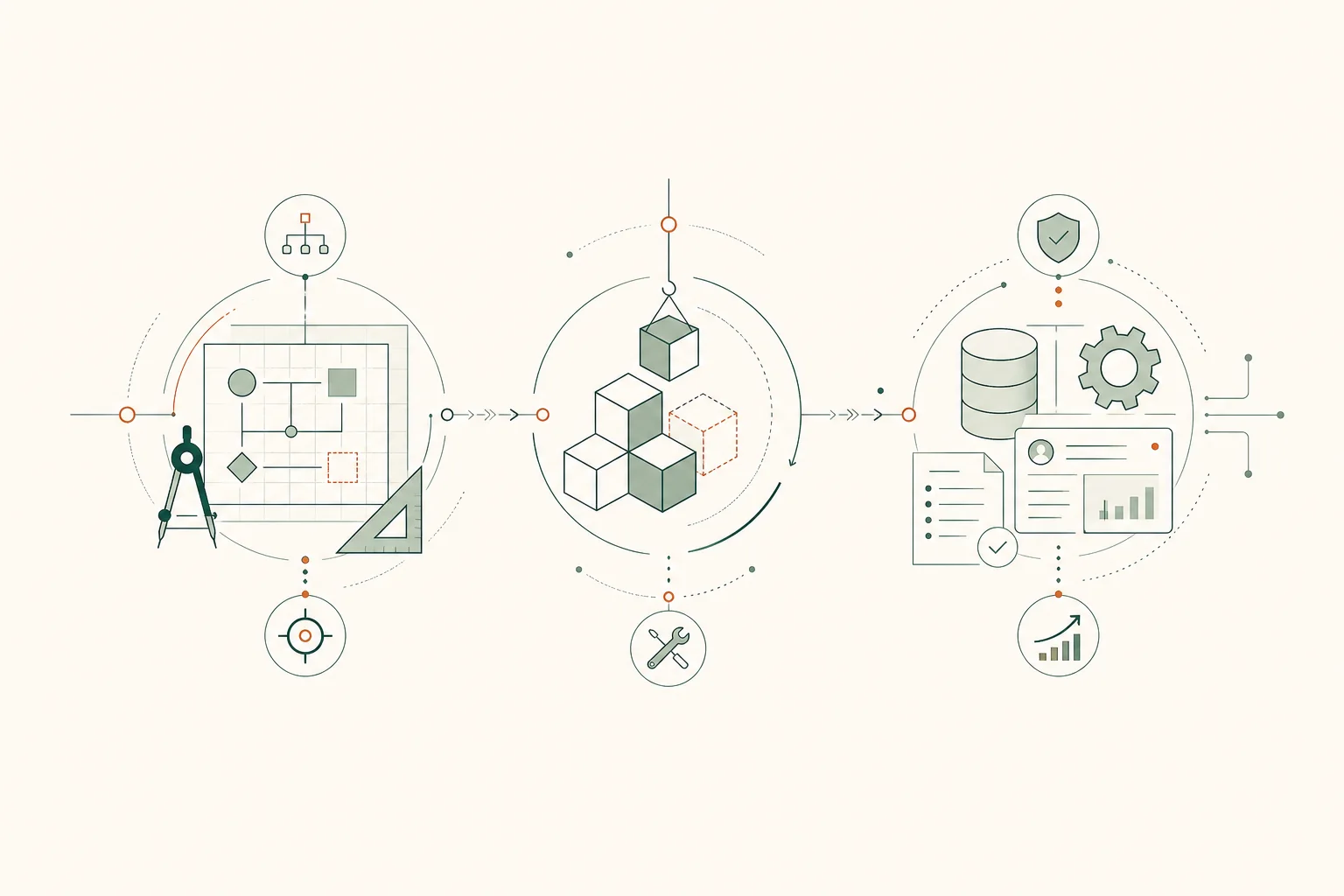
Start with the real sales workflow, focus the CRM on the important decisions and embed the result into day-to-day work.
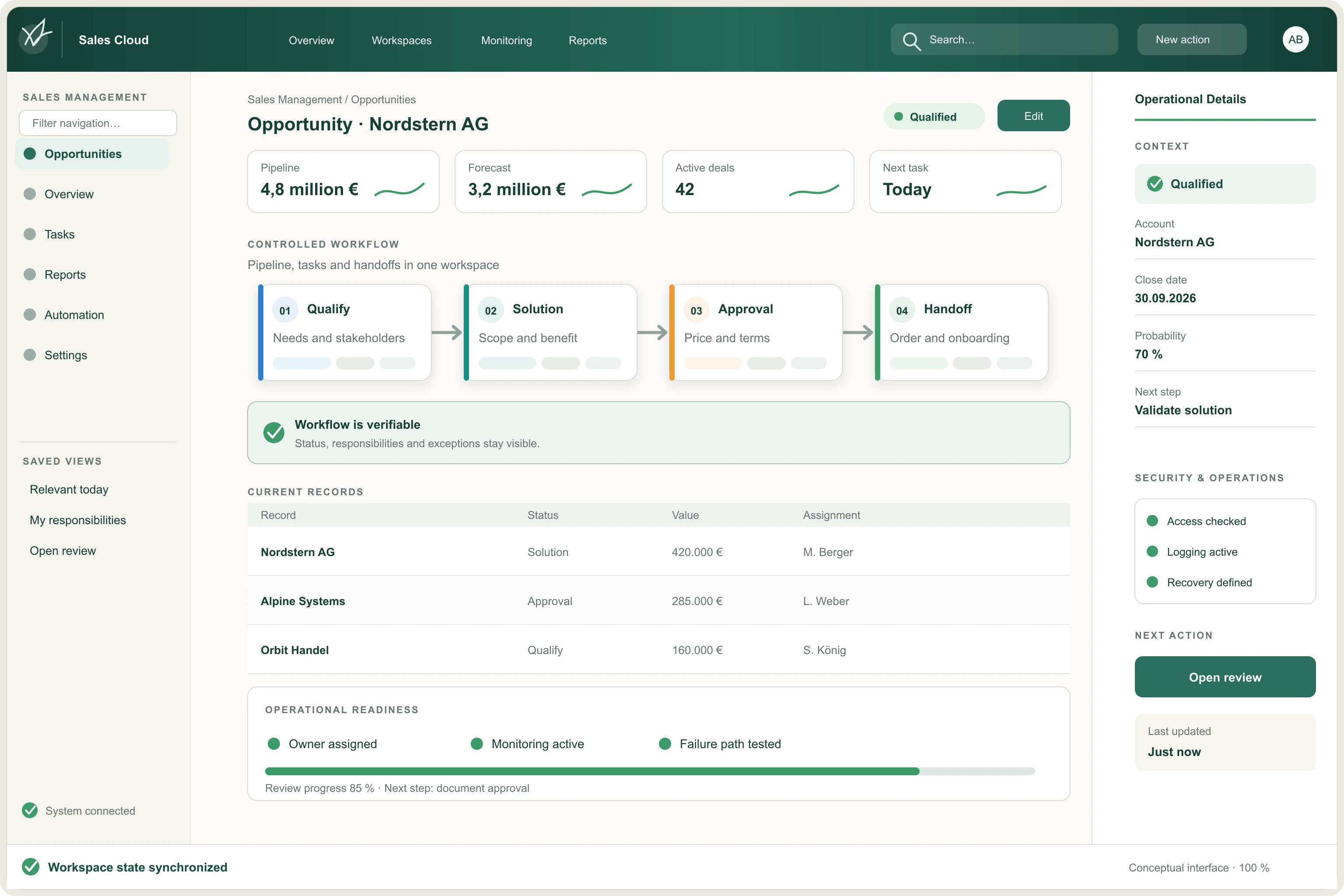
Understand
See how sales actually works today — including spreadsheets, side lists and manual workarounds.
Focus
Remove unnecessary fields, stages and steps that do not improve the sales motion.
Implement
Build the target flow, data model and automation in controlled steps.
Embed
Test with real sales scenarios and make ownership, reporting and support part of the operating model.
Where does your sales team lose time?
If reps spend too much time updating CRM, managing parallel lists or figuring out the next step, we can help reshape the sales process around the work that actually moves deals forward.