EXPERIENCE CLOUD & SELF-SERVICE
Self-service that actually solves the task.
We design portals around the things customers and partners actually need to do — with the right data, permissions and a clean handoff when self-service reaches its limit.
Typical starting point: The portal exists, but customers still cannot complete key tasks without contacting support — or they have to repeat everything when the handoff happens.
 AI-generated
WHERE SELF-SERVICE BREAKS DOWN
When self-service creates more work instead of less.
Portal friction usually comes from missing access, incomplete context or tasks that stop halfway and fall back to support.
Access does not fit the task
- Customers can sign in, but cannot reach the action they actually need.
- Roles and permissions are designed around the system rather than the journey.
Context is incomplete
- The portal cannot show the right contract, order, case or product information.
- Customers have to re-enter data that already exists elsewhere.
Self-service turns into a support request
- The task stops before completion and sends the customer to another channel.
- Support receives the request without the actions and information already captured in the portal.
 AI-generated
START WITH THE TASK
Define the customer task before designing the portal.
Before choosing components, pages or navigation, agree on the jobs customers or partners should be able to complete and what information each task requires.
Which tasks should be completed entirely in self-service
Which users, roles and permissions are needed
Which Salesforce and external data must be available
What actions the portal may perform directly
When the journey should hand over to service or another team
What context must travel with that handoff
FROM SELF-SERVICE TO HUMAN SUPPORT
How self-service should hand over when the task cannot finish.
The best portal journeys do not hide support. They know when to stop and pass the request forward with enough information for the next team to continue.
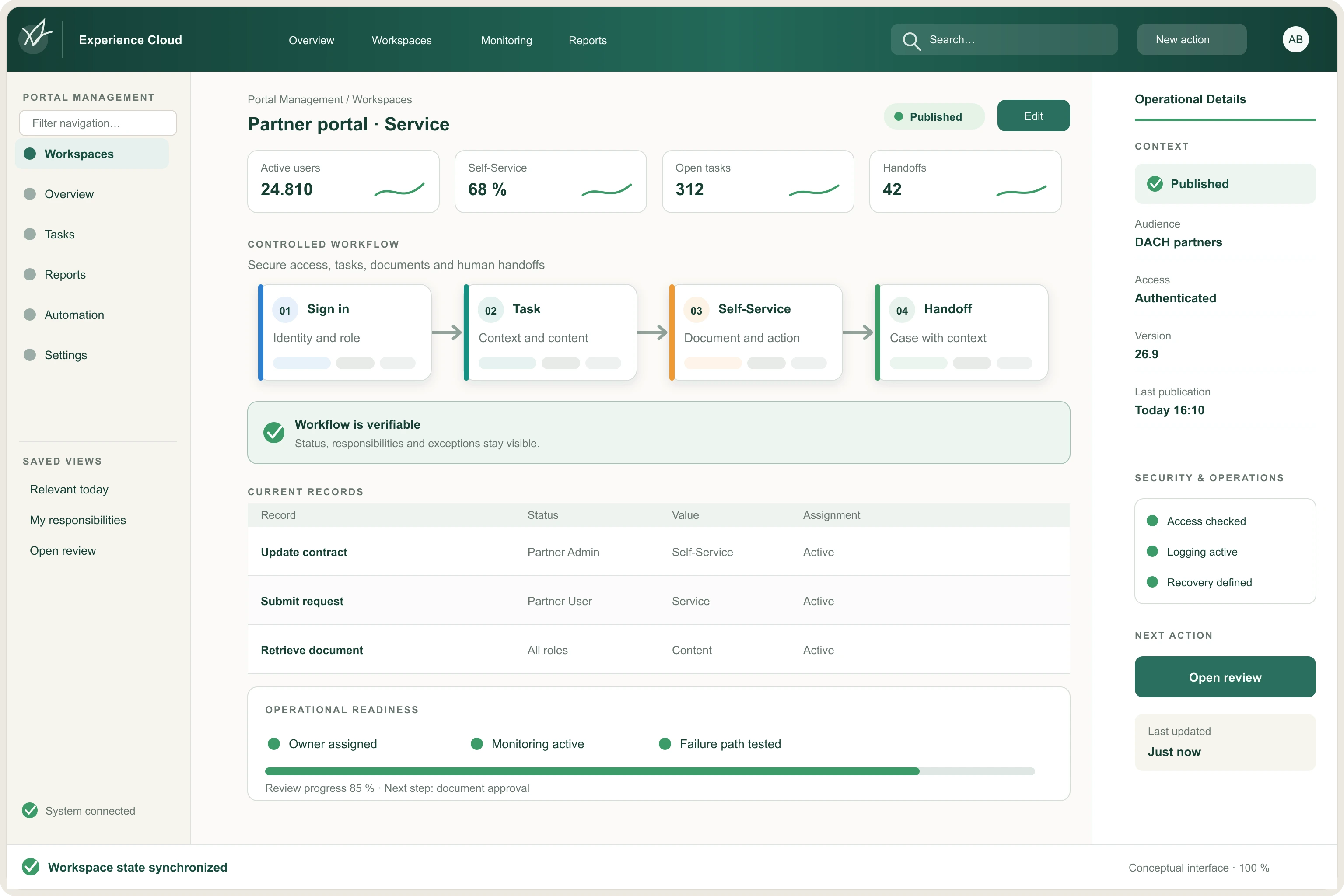
RequestWhat is the customer trying to do?
Sign inWho is the user and what are they allowed to access?
ContextWhich customer, contract, order or case data is relevant?
ActionCan the task be completed directly in self-service?
HandoffWhat should support receive if a person needs to take over?
 AI-generated
WHAT GOOD LOOKS LIKE
What self-service looks like when customers can actually use it.
The goal is not more portal content. It is a smaller number of useful journeys customers can complete without unnecessary support.
Customers can find the task they came to complete without learning the portal structure.
The portal already knows the information the user should not have to type again.
Permissions expose the right data and actions — no more and no less.
When self-service cannot finish, the handoff keeps the customer’s context and previous steps.
Teams can see which journeys succeed, where users drop out and why support is still needed.
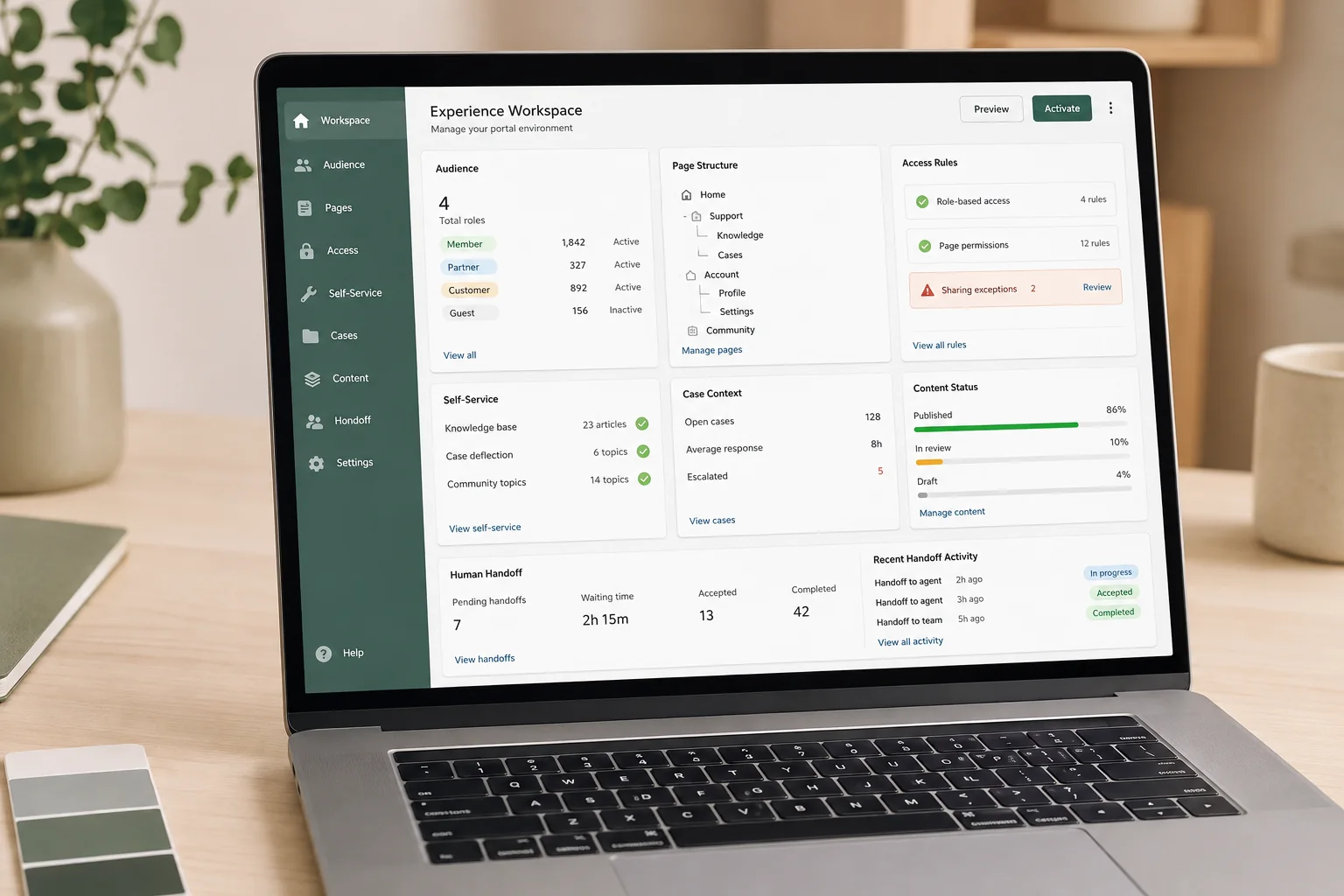
BEFORE YOU BUILD
Questions worth answering before configuration starts.
Portal complexity grows quickly when access, content and automation are added before the customer journeys are agreed.

Fit
Is this task a good fit for self-service?
- Can the user complete it with the information and permissions available?
- Would self-service genuinely make the journey easier than contacting a person?
Control
Are access and actions deliberately limited?
- Which users may see or change which records?
- Which tasks can run automatically and which require review or approval?
Lifecycle
How will portal journeys change over time?
- How are new tasks, audiences and permissions introduced?
- How are content, access rules and handoffs reviewed as the business changes?
 AI-generated
USEFUL DELIVERABLES
Outputs business, service and IT can keep using.
The work should leave behind a shared self-service model — not knowledge that only exists in workshop notes or portal configuration.
Prioritized self-service journeys with scope and success criteria
User, role and permission model
Data, integration and handoff requirements
Prioritized roadmap, open decisions and operating standards
HOW WE GET THERE
From portal idea to self-service customers can rely on.
Start with one valuable task, design the journey around the user and stabilize access, handoffs and operations before expanding the portal.
Scope
Choose one meaningful self-service task and define what success looks like.
Design
Define the user journey, access model, required data and handoff points.
Test
Validate common paths, permissions, exceptions and support handoffs with real scenarios.
Improve
Measure completion, drop-off and support fallback — then improve the journeys that matter most.

Which task should your portal handle reliably first?
If customers still need support for tasks the portal should handle, we can help define the right journey, access model and handoff before you expand the scope.